Support Tickets
Access support tickets at My Account > Support Tickets or visit /my/tickets.
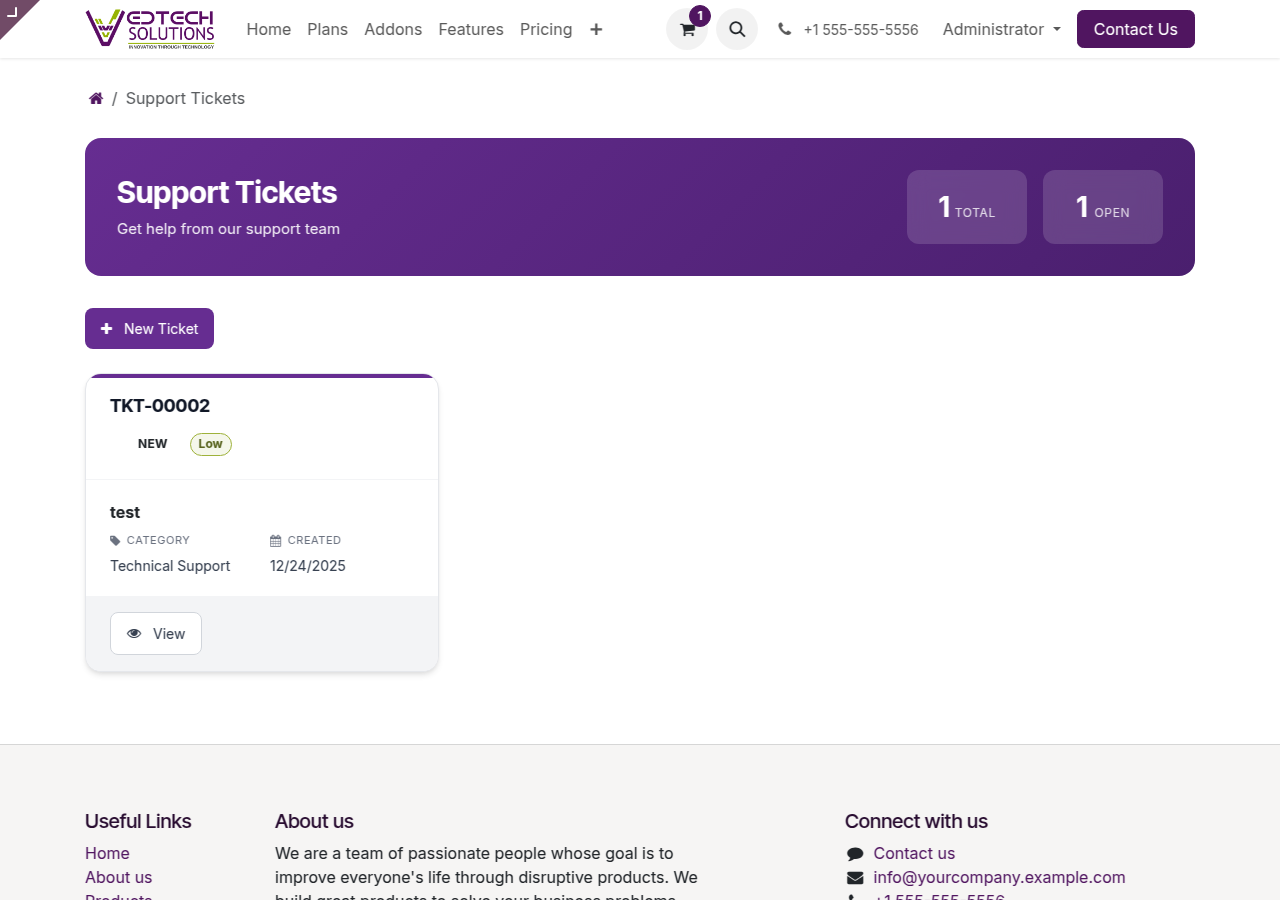
Support Tickets Dashboard
Creating a New Ticket
- Click New Ticket
- Enter a descriptive Subject
- Provide detailed Description
- Select appropriate Category
- Set Priority level
- Link to related instance (optional)
- Click Submit
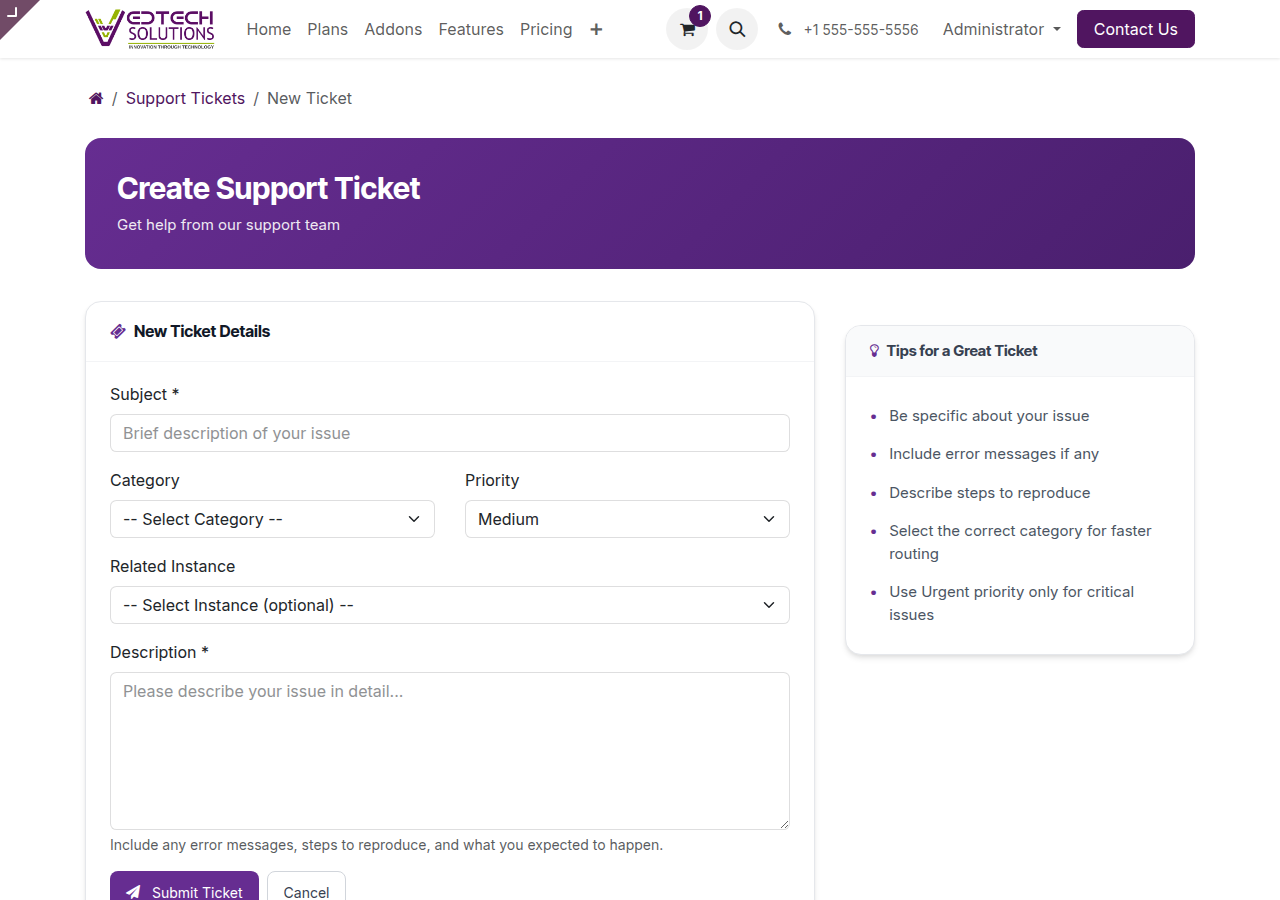
New Ticket Form
Priority Levels
| Priority | Description | Use For |
|---|---|---|
| Low | Non-urgent | Questions, feedback |
| Medium | Standard | Most issues |
| High | Important | Functionality issues |
| Urgent | Critical | System down, data loss |
Ticket Statuses
- New: Ticket submitted, awaiting review
- Open: Agent assigned
- In Progress: Being worked on
- Pending Customer: Awaiting your response
- Resolved: Solution provided
- Closed: Ticket completed
Response Times
| Category | First Response |
|---|---|
| Technical Support | 4 hours |
| Billing | 8 hours |
| Feature Request | 24 hours |