Marketplace & Modules
Access the marketplace at My Account > My Modules or browse /shop.
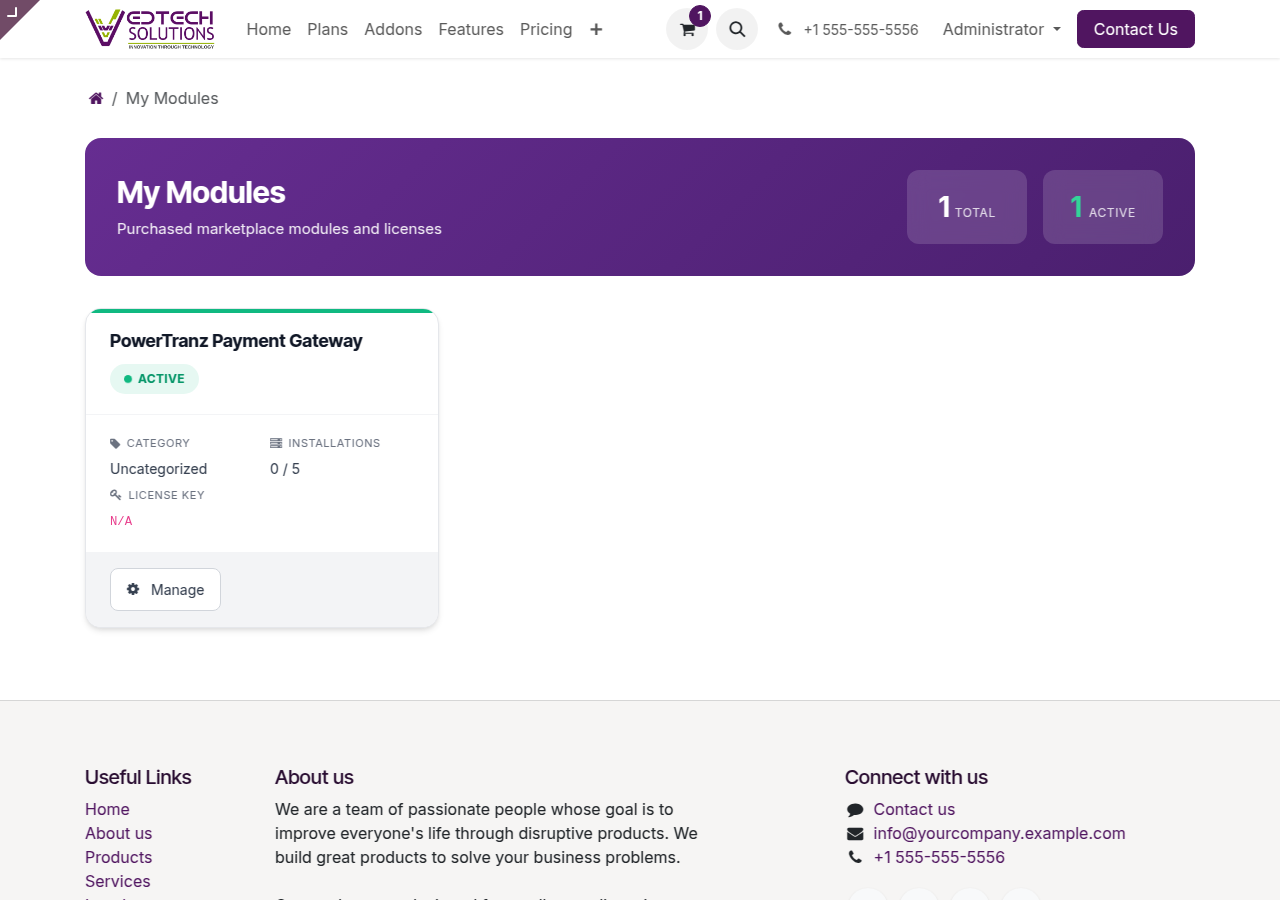
My Modules Dashboard
Browsing the Shop
The VedTech Shop offers additional modules and add-ons for your Odoo instance.
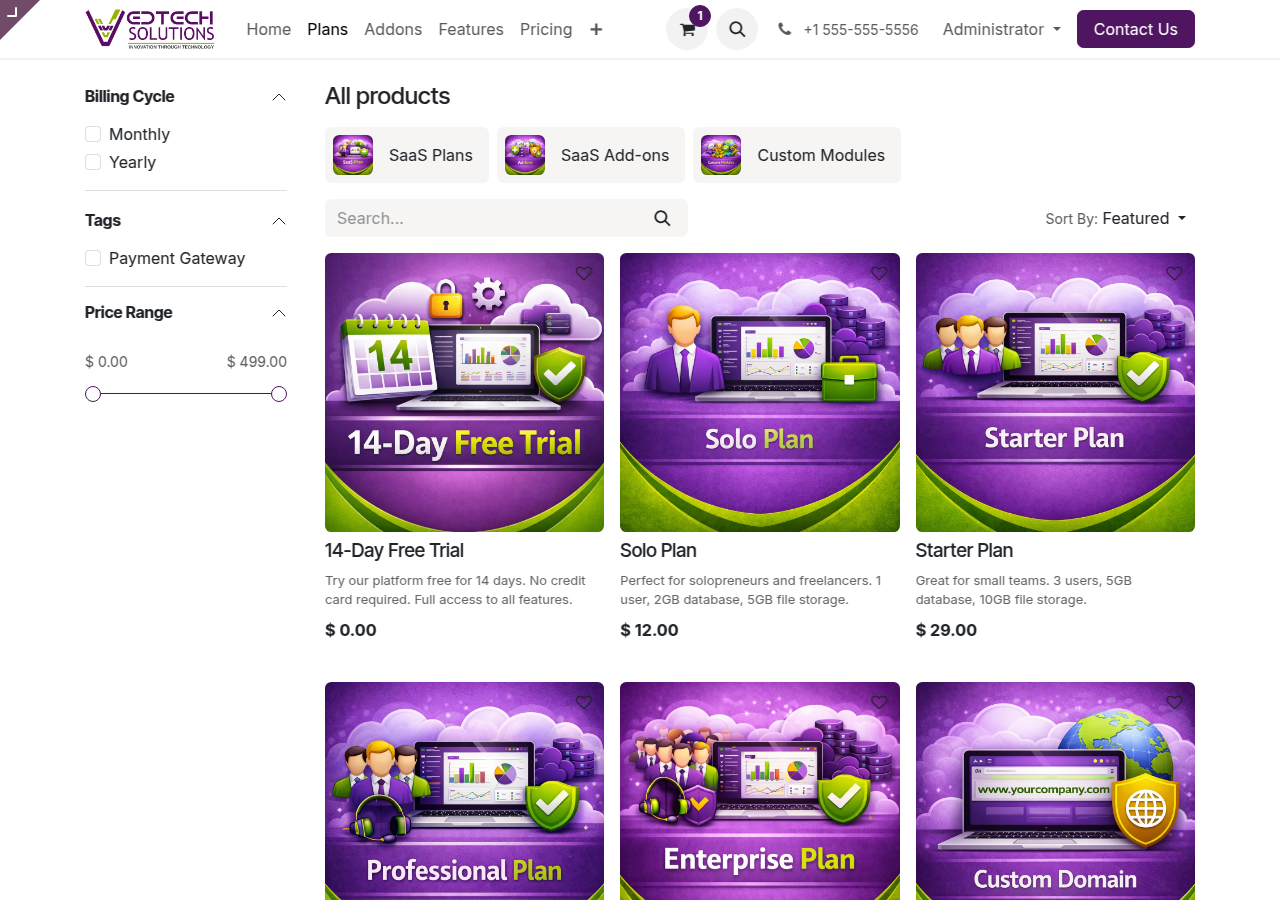
VedTech Shop
Installing Modules
- Browse the shop or your module list
- Click on a module to view details
- Click Install or Add to Cart
- Complete purchase (if applicable)
- Module installs automatically
Module Categories
- Accounting: Financial management tools
- Sales: CRM and sales automation
- Inventory: Warehouse management
- Manufacturing: Production planning
- Website: E-commerce and website tools
- HR: Human resources management
Managing Installed Modules
View all your installed modules at /my/modules. From there you can:
- View module details and documentation
- Check for updates
- Uninstall modules (where permitted)
Need Help?
Visit our Help Center for more information.