Backup & Recovery
VedTech automatically backs up your Odoo instance daily. You can also create on-demand backups.
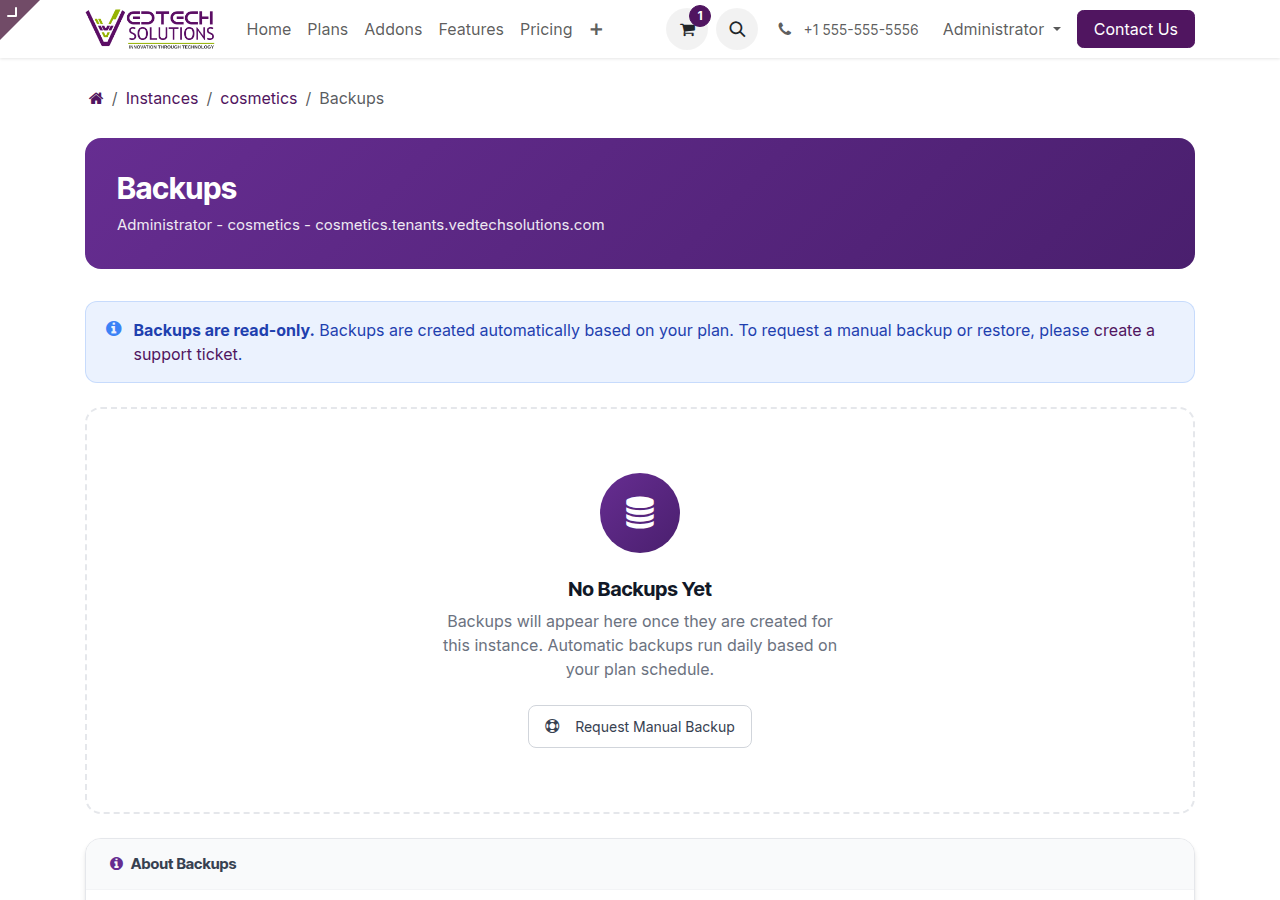
Backup Management Page
Automatic Backups
Every plan includes automatic daily backups:
- Frequency: Daily at 3:00 AM UTC
- Retention: Varies by plan (7-30 days)
- Type: Full database and filestore
Creating Manual Backups
- Navigate to My Instances > [Instance] > Backups
- Click Create Backup
- Enter an optional note
- Click Create
Downloading Backups
To download a backup:
- Find the backup in your backup list
- Click the Download button
- The backup will download as a ZIP file
Restoring from Backup
Warning: Restoring will replace all current data.
- Select the backup to restore
- Click Restore
- Confirm the action
- Wait for the restore to complete
Backup Retention by Plan
| Plan | Retention |
|---|---|
| Solo | 7 days |
| Starter | 14 days |
| Professional | 21 days |
| Enterprise | 30 days |
Related
See also: Managing Instances